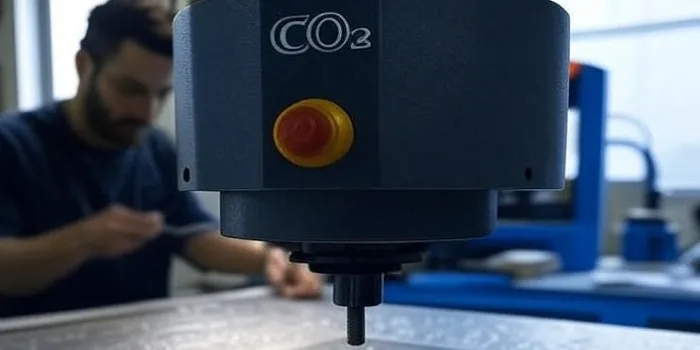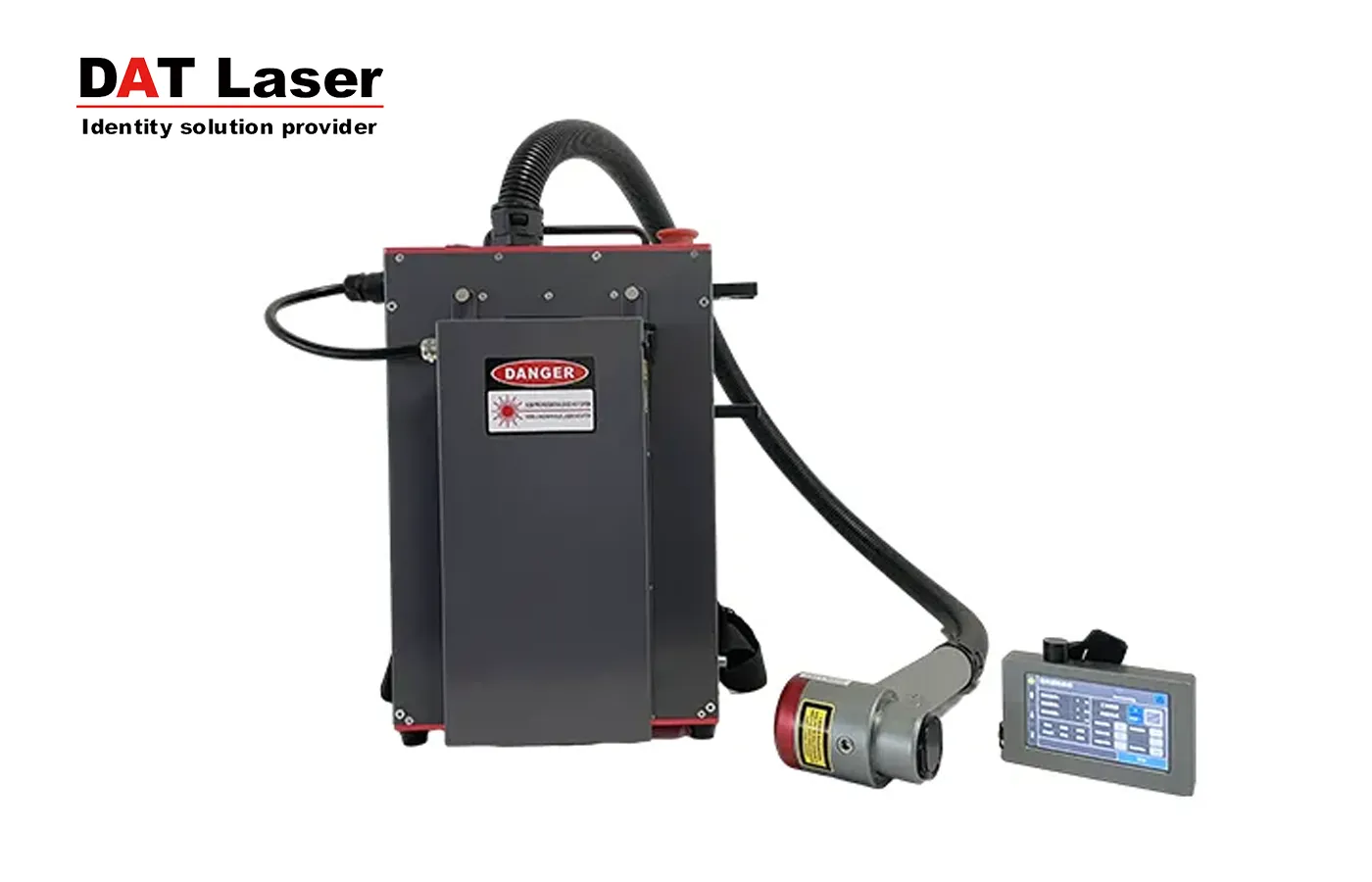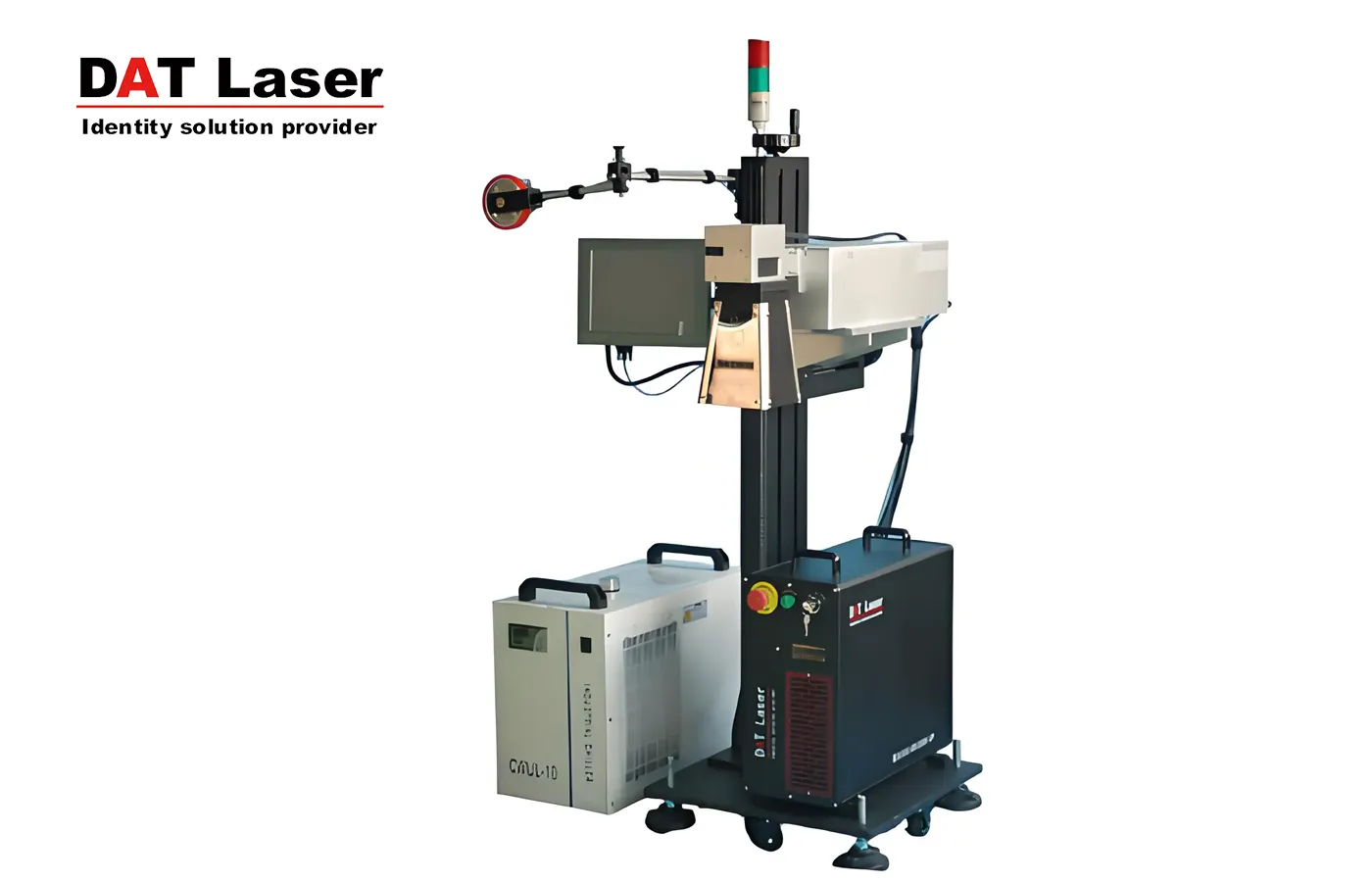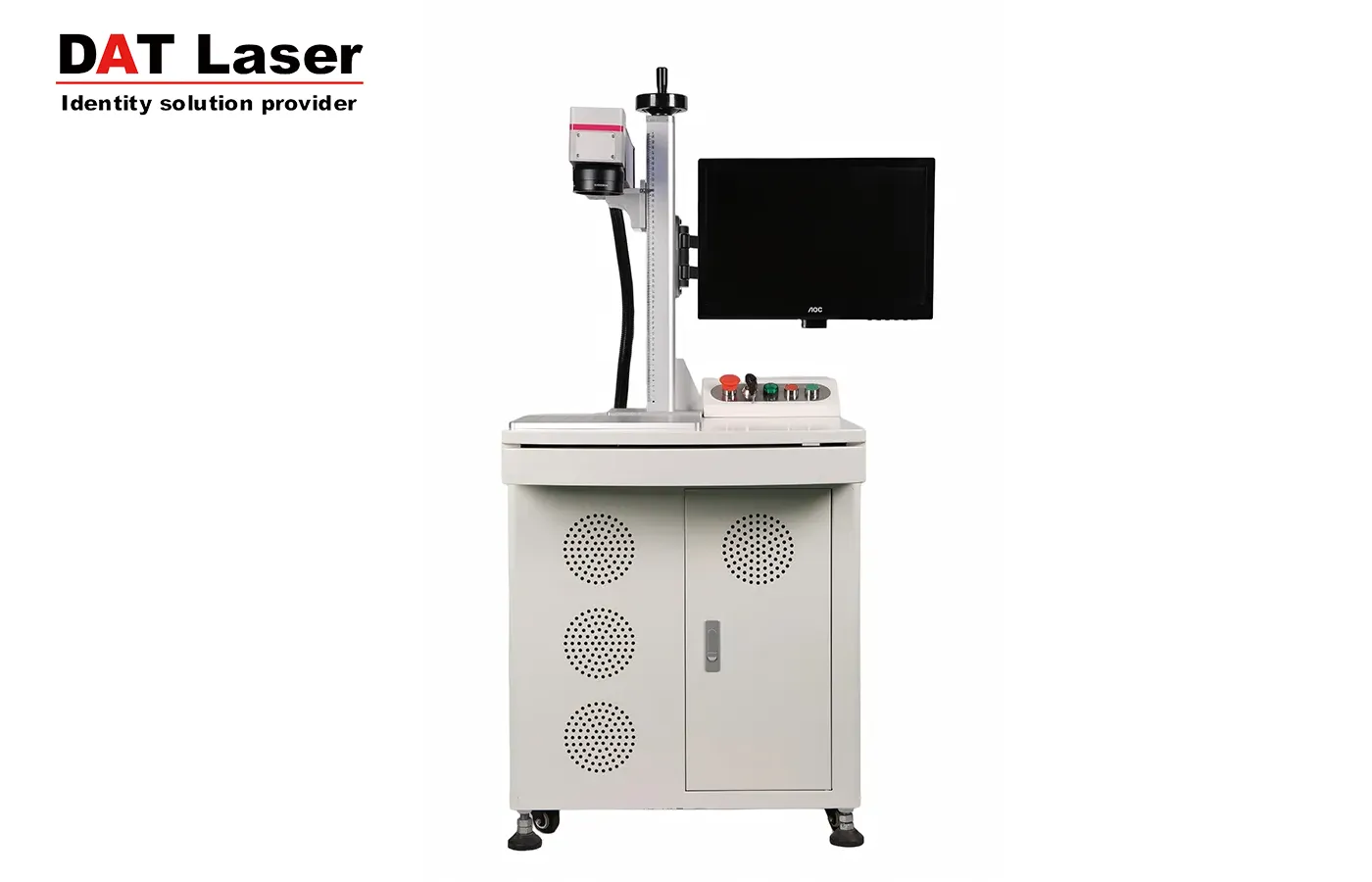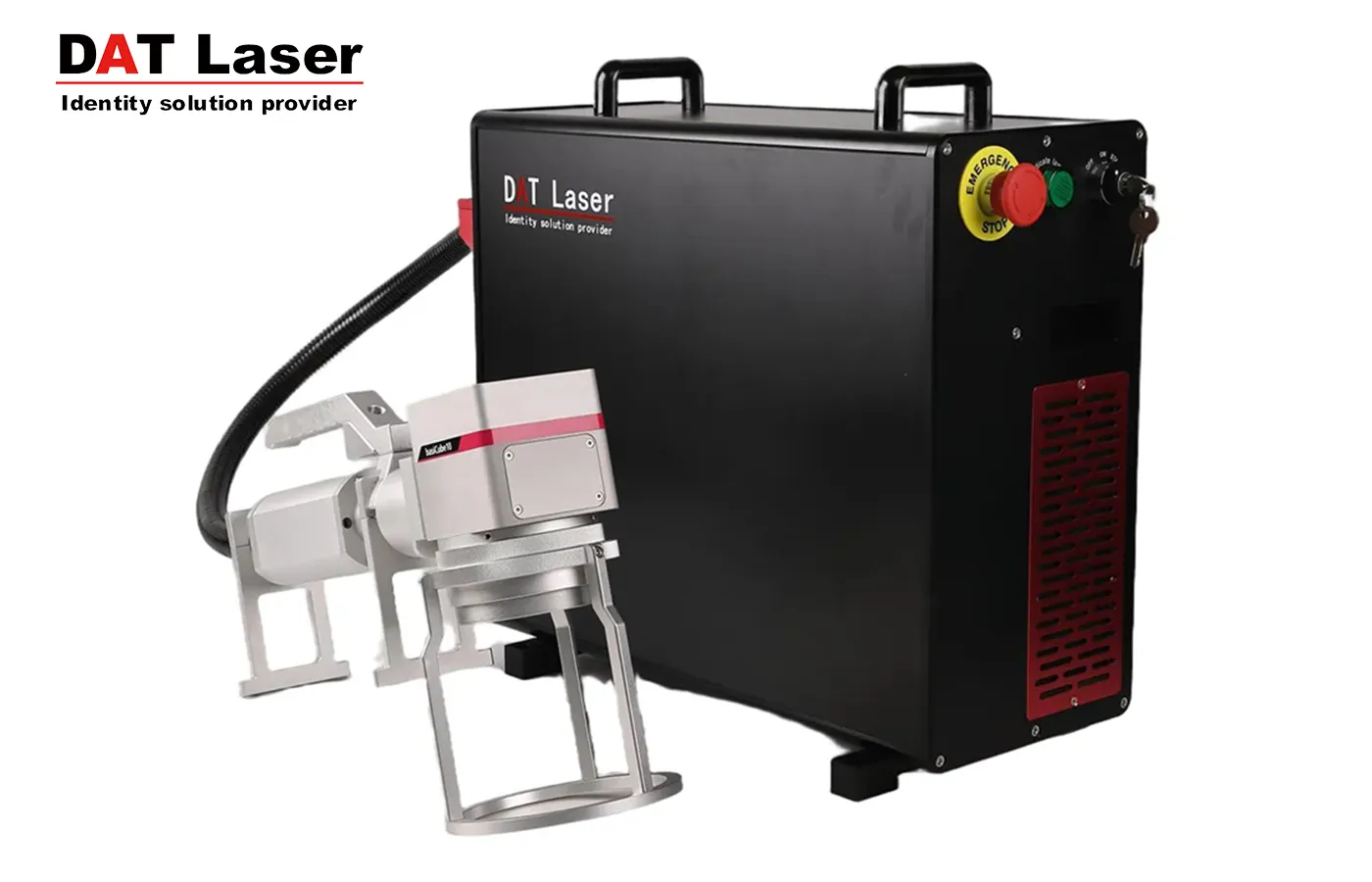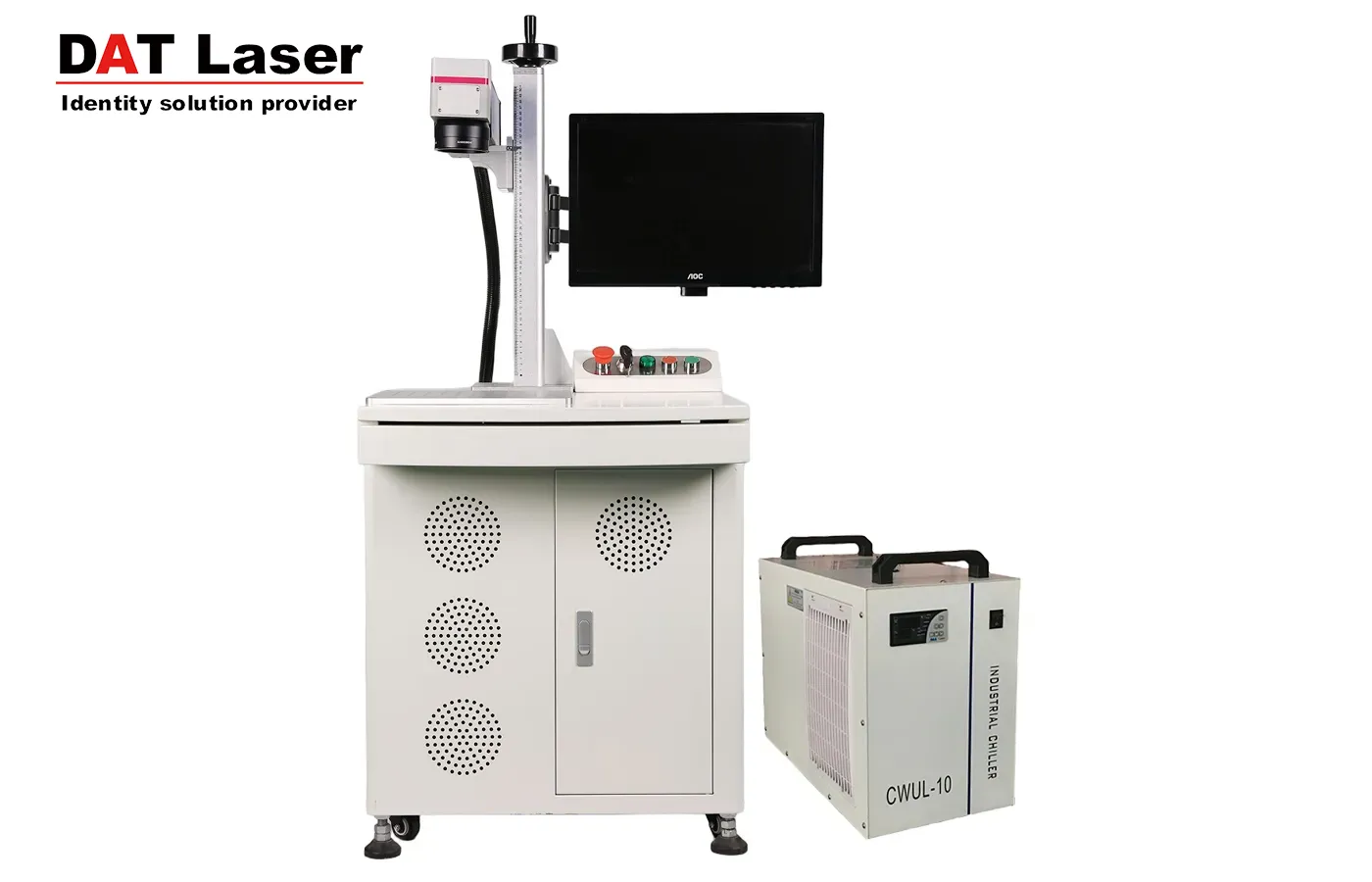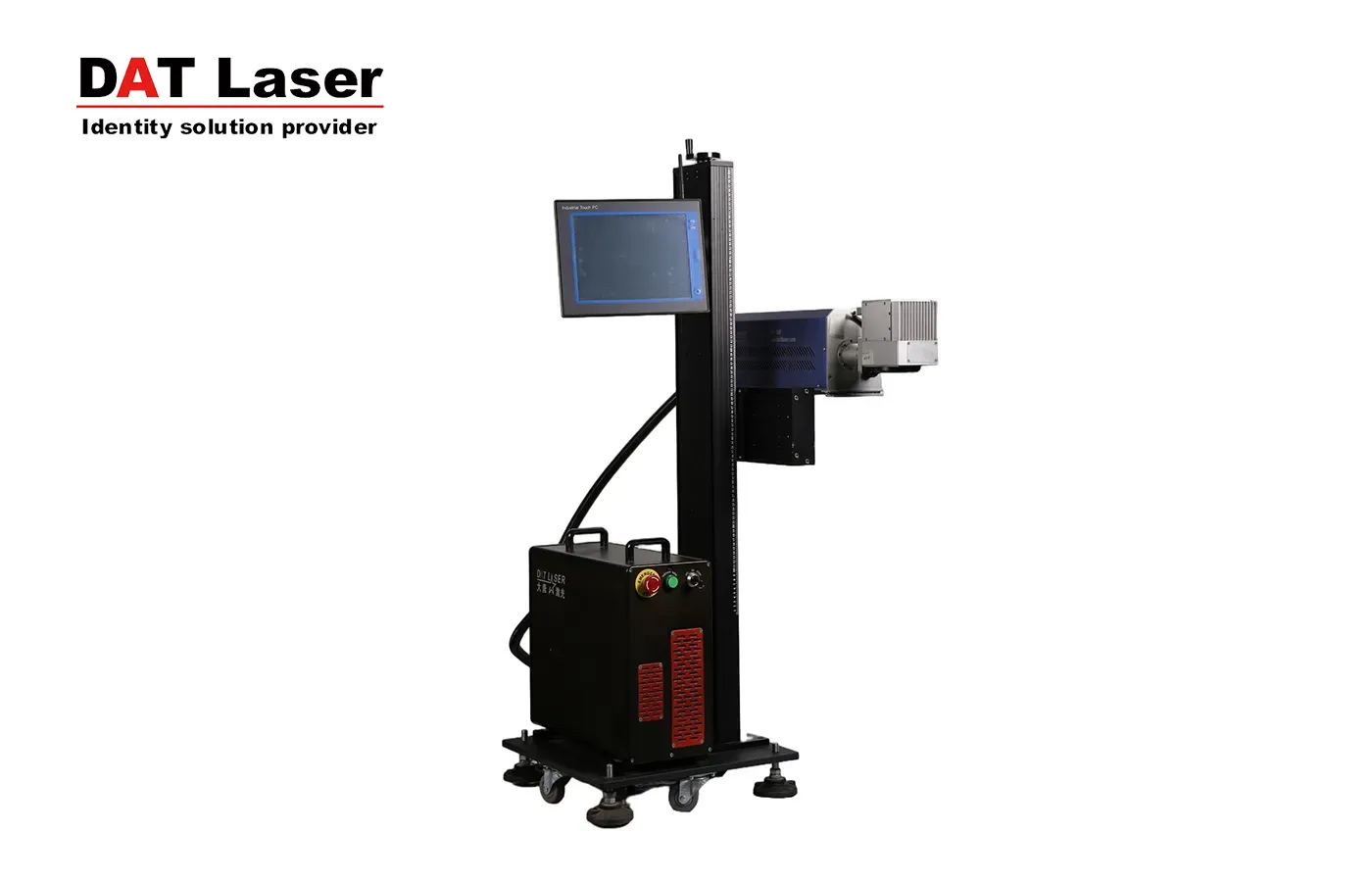
CO₂ laser marking machines are widely used in industrial applications. However, during operation, certain issues may occur. Below are the most common faults and their corresponding solutions.
If the marking depth does not meet expectations, please check the following possible causes:
Whether the laser output power meets the required specifications
Whether the optical path alignment is accurate
Whether the beam expander position and orientation are correctly adjusted
Whether the lens surface is contaminated or dirty
Whether the workpiece surface is positioned at the focal plane
Whether the laser power supply output voltage has dropped, resulting in reduced laser power
Whether the marking speed is set too high
The galvo scanning head may exhibit the following problems during marking:
A standard square is printed as a trapezoid or diamond shape
Square frames appear with pincushion distortion or barrel distortion
Pincushion and barrel distortion are inherent characteristics of galvo scanning systems, caused by the scanning method itself. The solution is to apply distortion signal correction.
There are two main correction methods:
Hardware correction (rarely used today)
Software correction (most commonly used)
Hardware correction involves adjusting the analog voltage output from the D/A card through a correction board according to a specific algorithm before sending the signal to the galvo scanner.
Software correction is performed within the marking software itself. The digital signal is processed and compensated before being transmitted to the D/A card, effectively correcting the distortion.
Possible causes include:
Loose or poorly connected signal cables, or cold solder joints
Faulty connections between the galvo driver board and the motor
The laser marking machine should be installed in a well-ventilated, clean, and well-lit environment.
To ensure proper ventilation, maintain a minimum distance of 0.6 meters between the machine and walls or other obstacles.
After positioning the machine, adjust the anti-vibration leveling feet to ensure the equipment is stable and perfectly level.
The processing area should be equipped with a smoke extraction and exhaust system to remove fumes and dust generated during operation.
When installing or relocating the machine, ensure the correct power phase sequence to guarantee normal operation.
When the machine is not in use, take dust-proof measures to prevent dust from entering the laser source.
The machine operates under high voltage. Non-professional personnel must never perform maintenance while the machine is powered on, as this may cause electric shock.
In case of any abnormal conditions (such as water leakage, power failure, blown fuses, or unusual noises from the laser), immediately press the emergency stop button and disconnect the power supply.
Do not disassemble the equipment without authorization. In the event of major failures, contact the manufacturer or authorized service provider promptly.