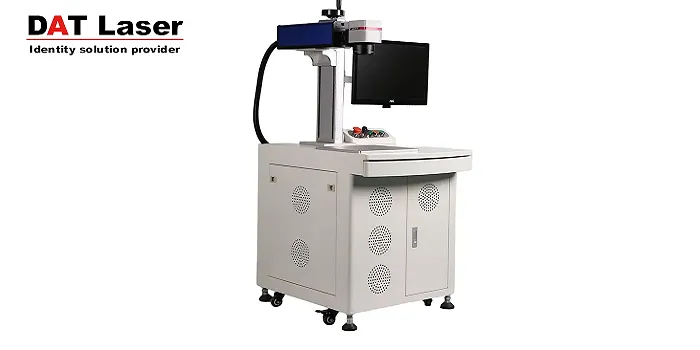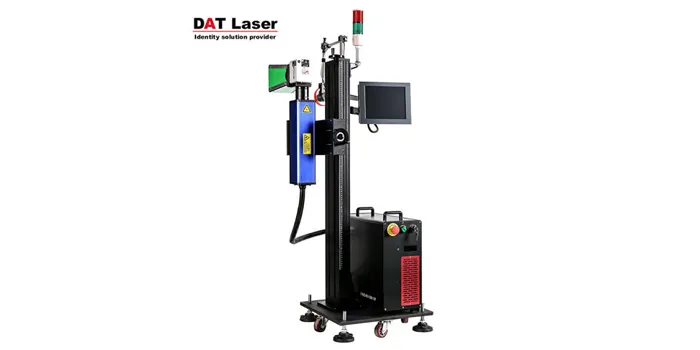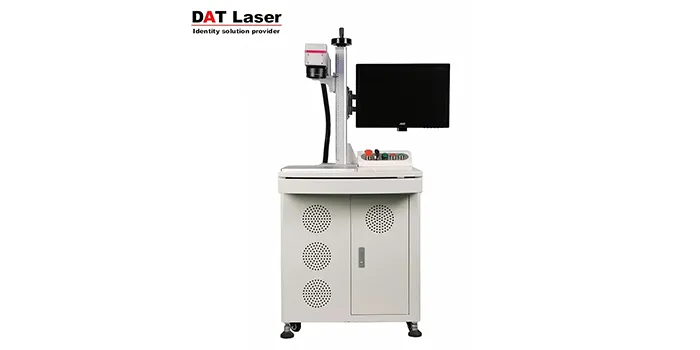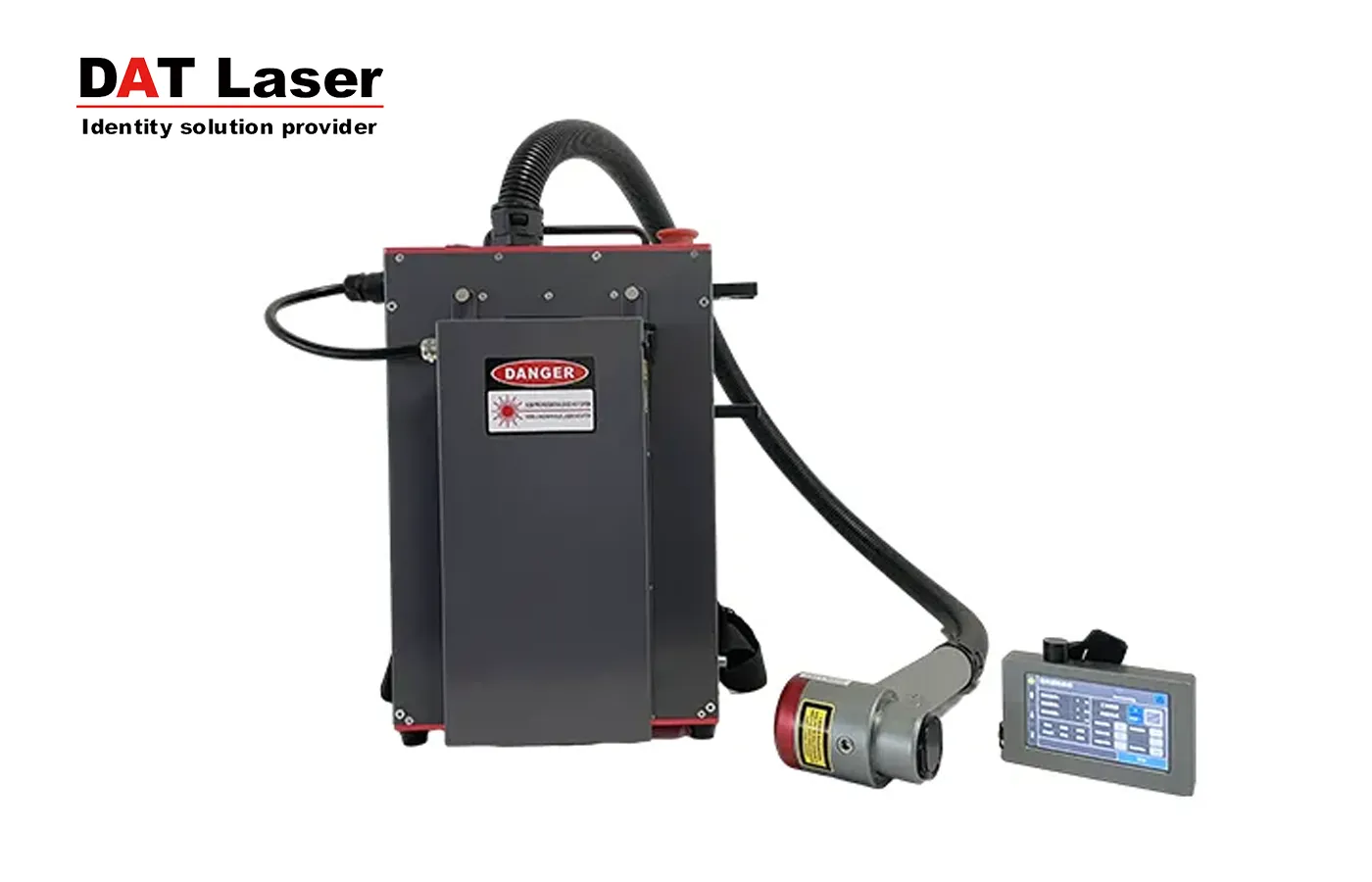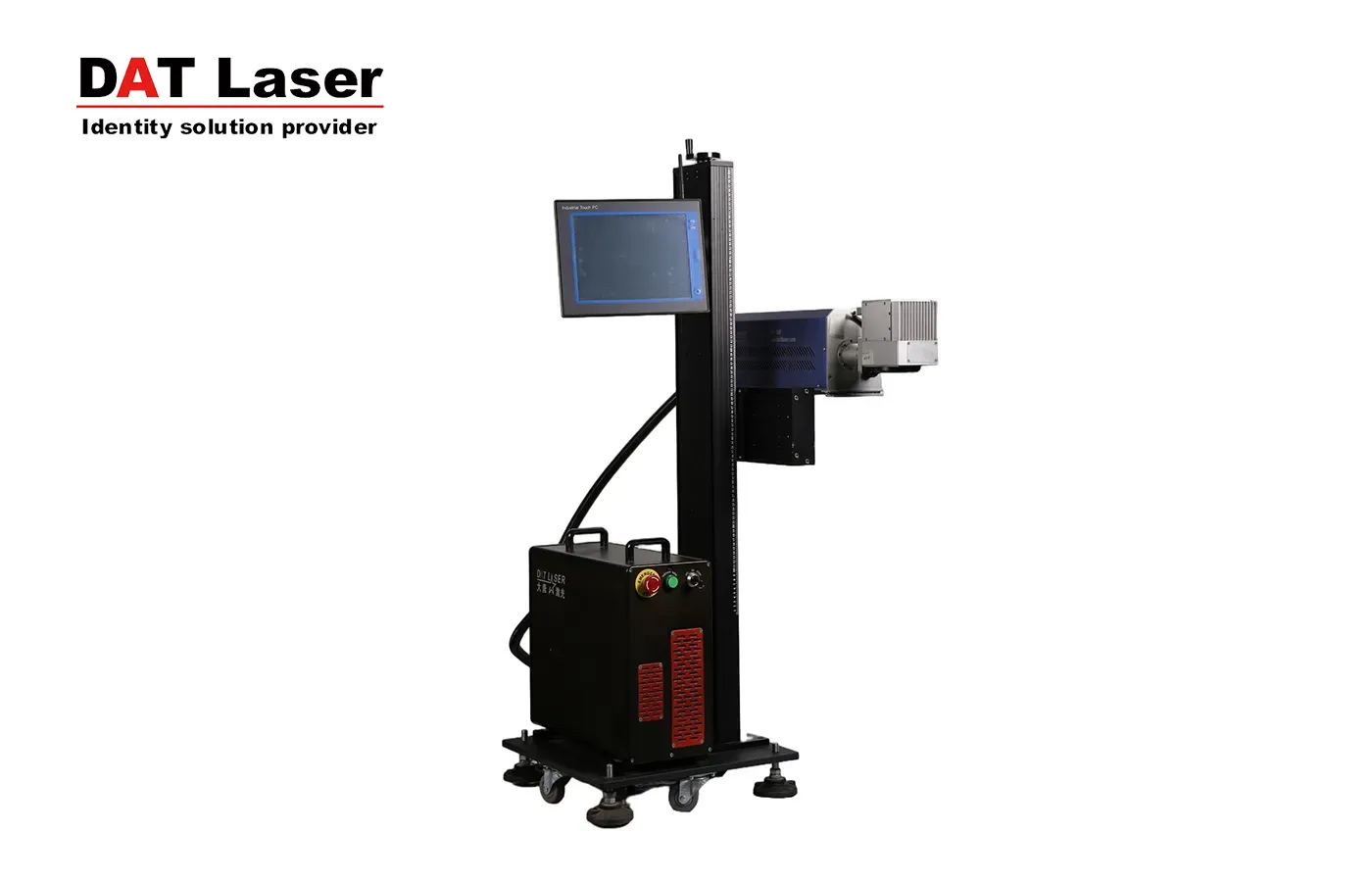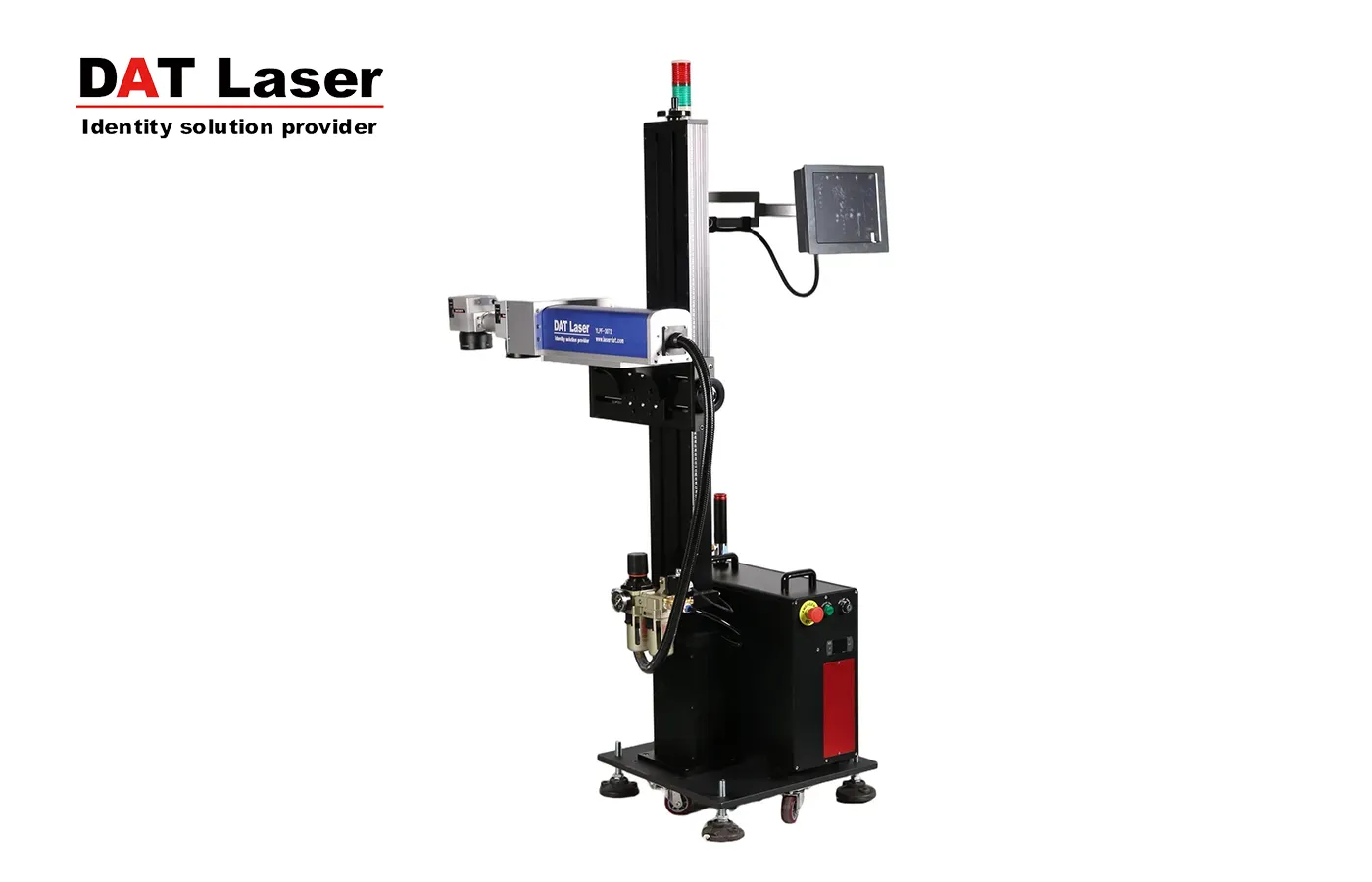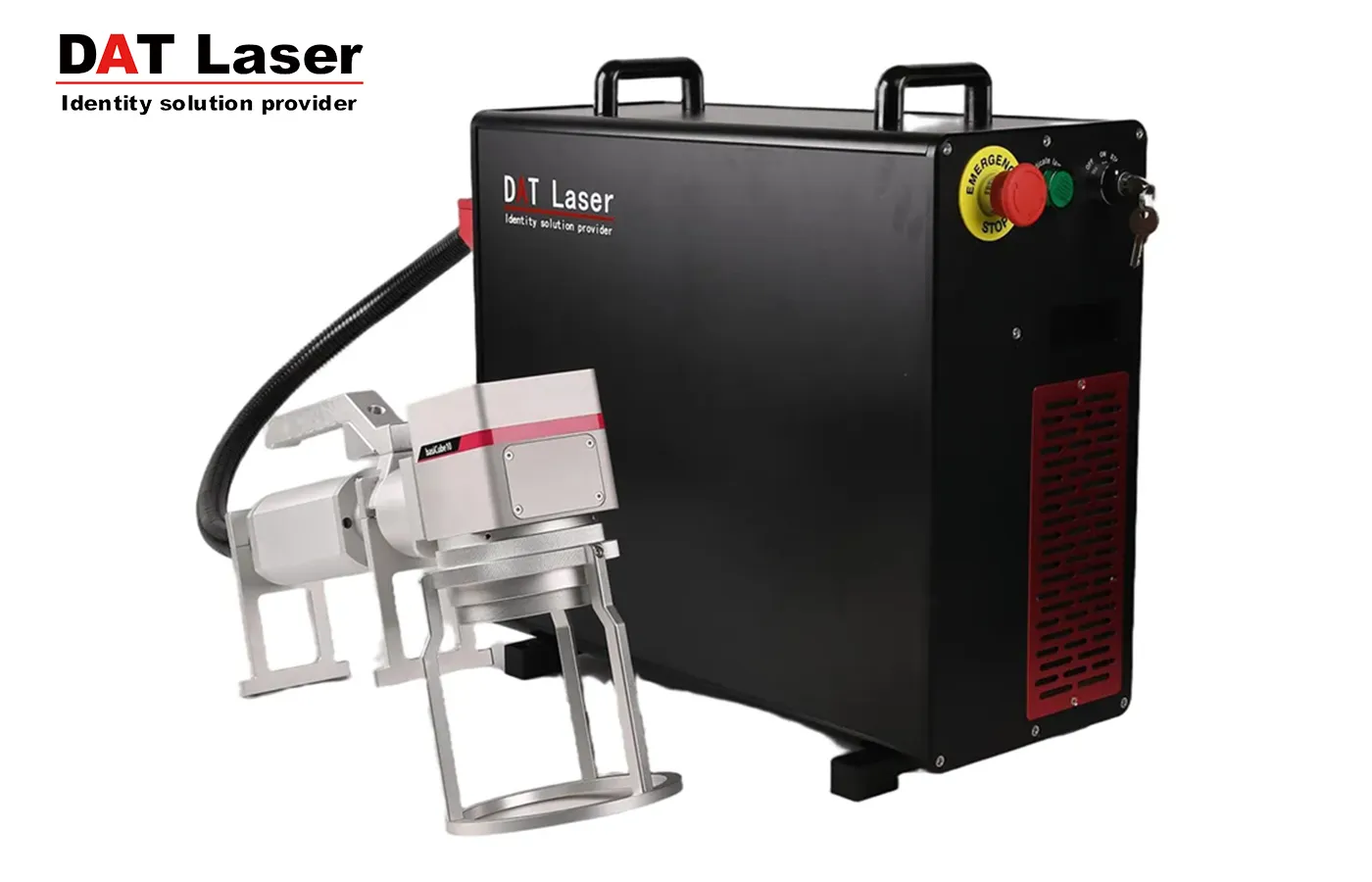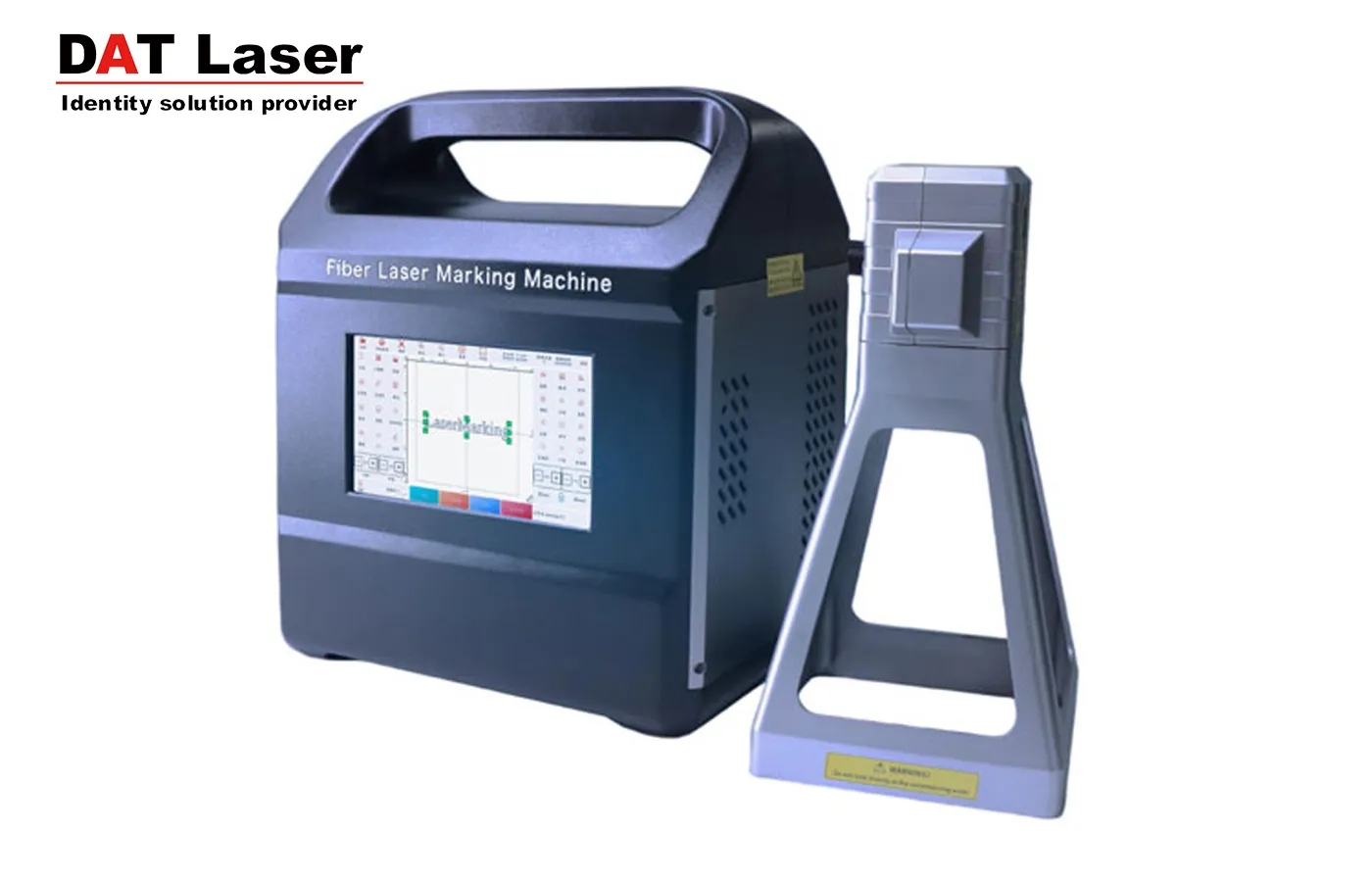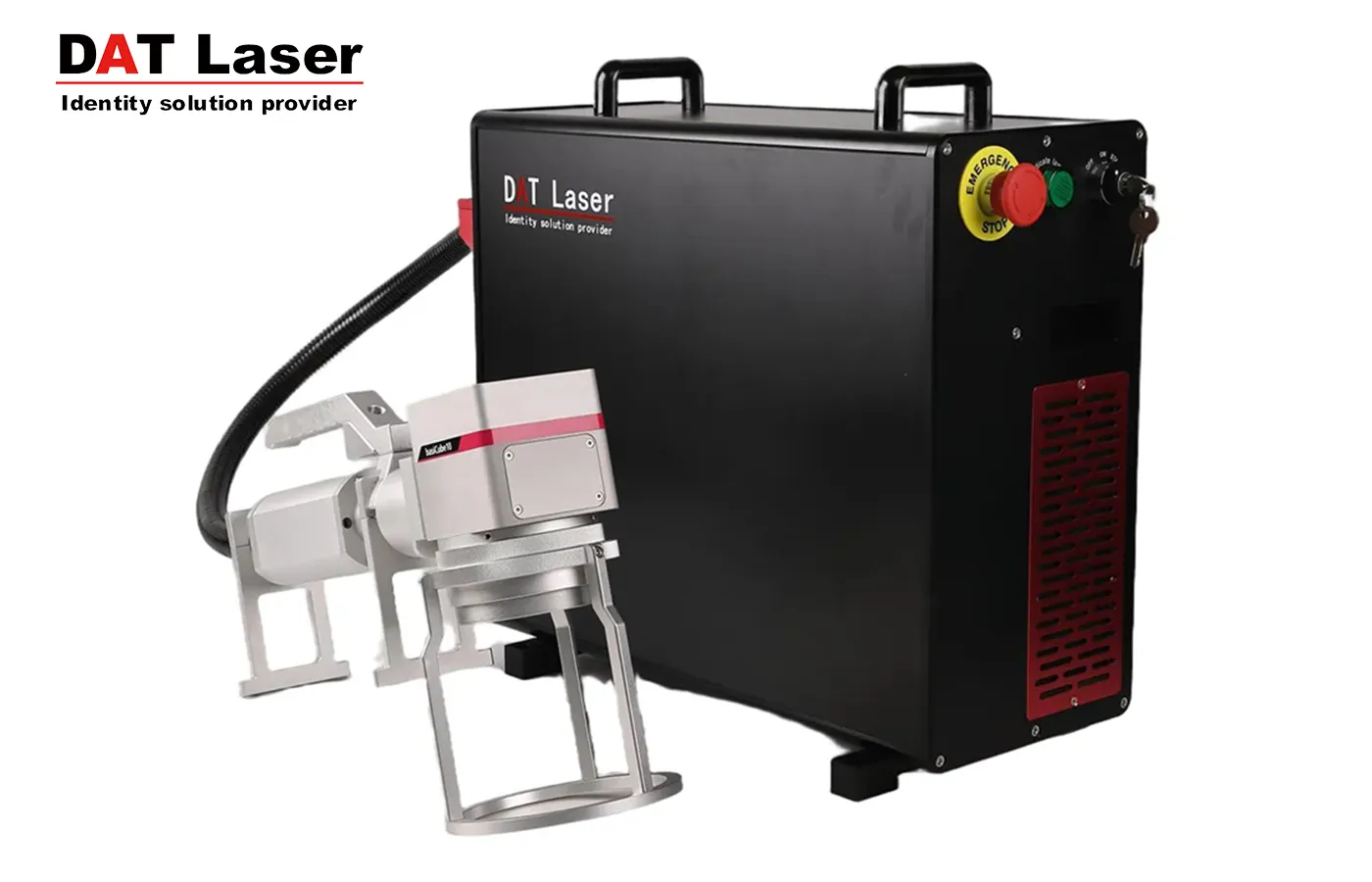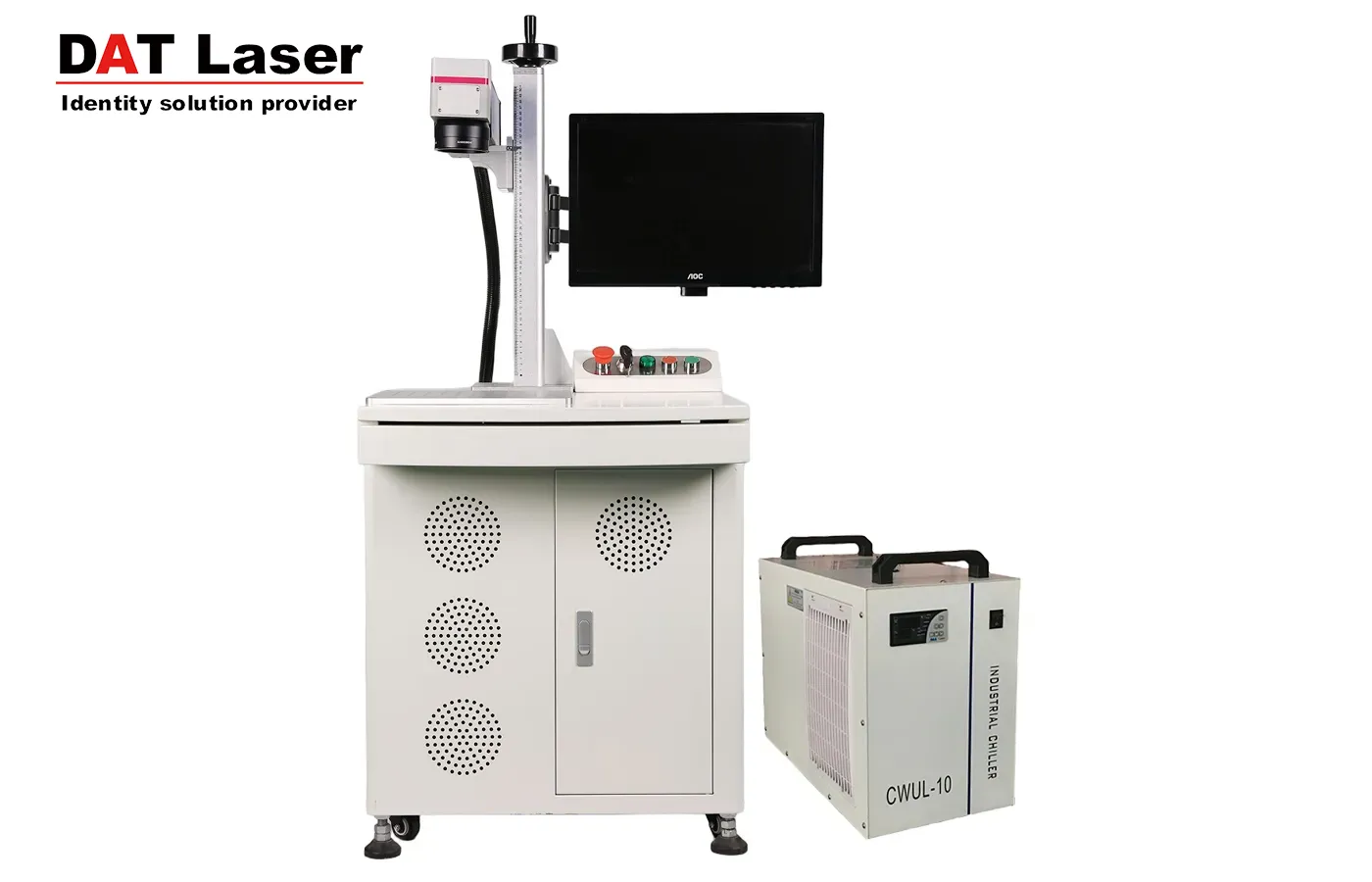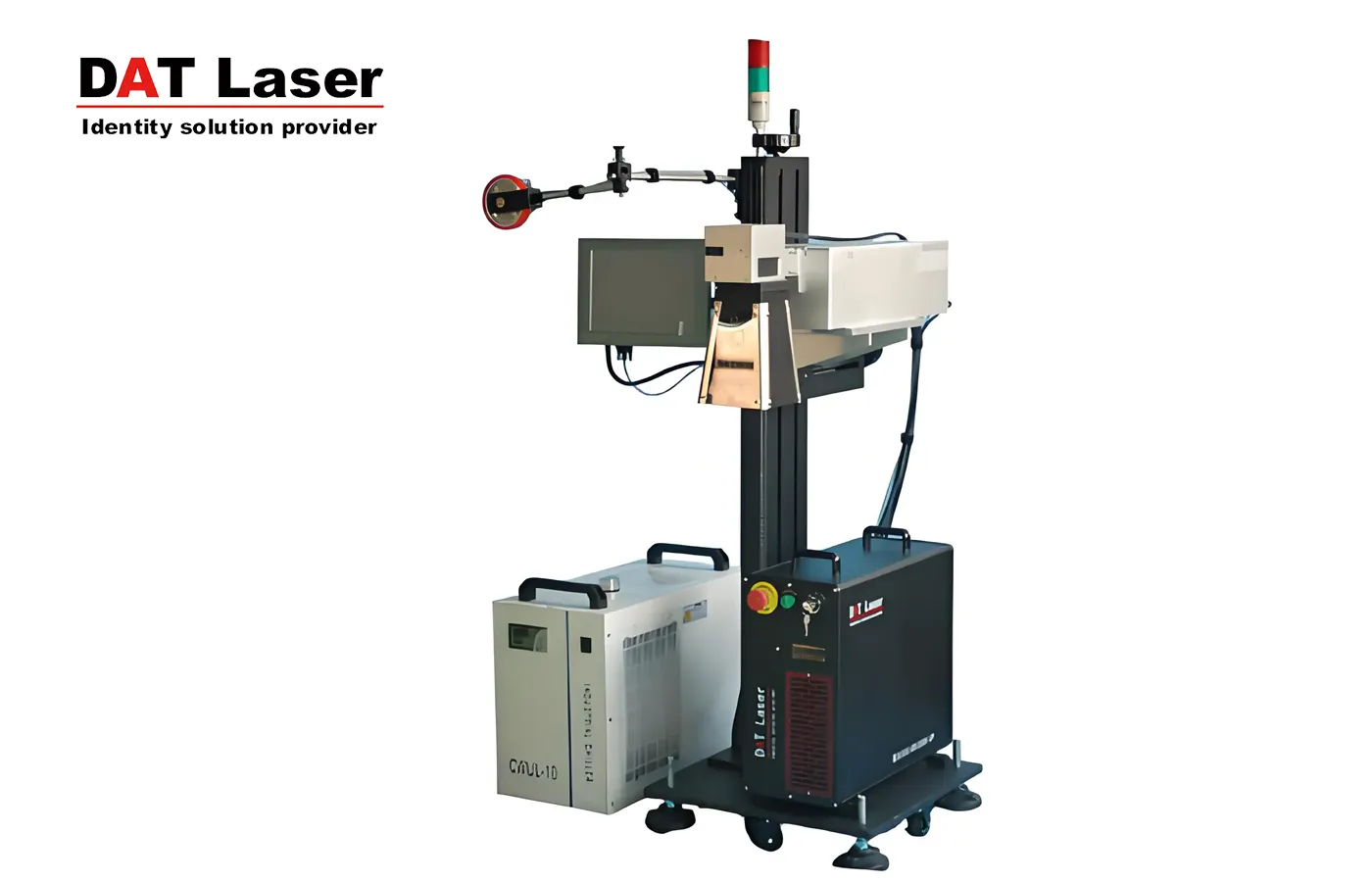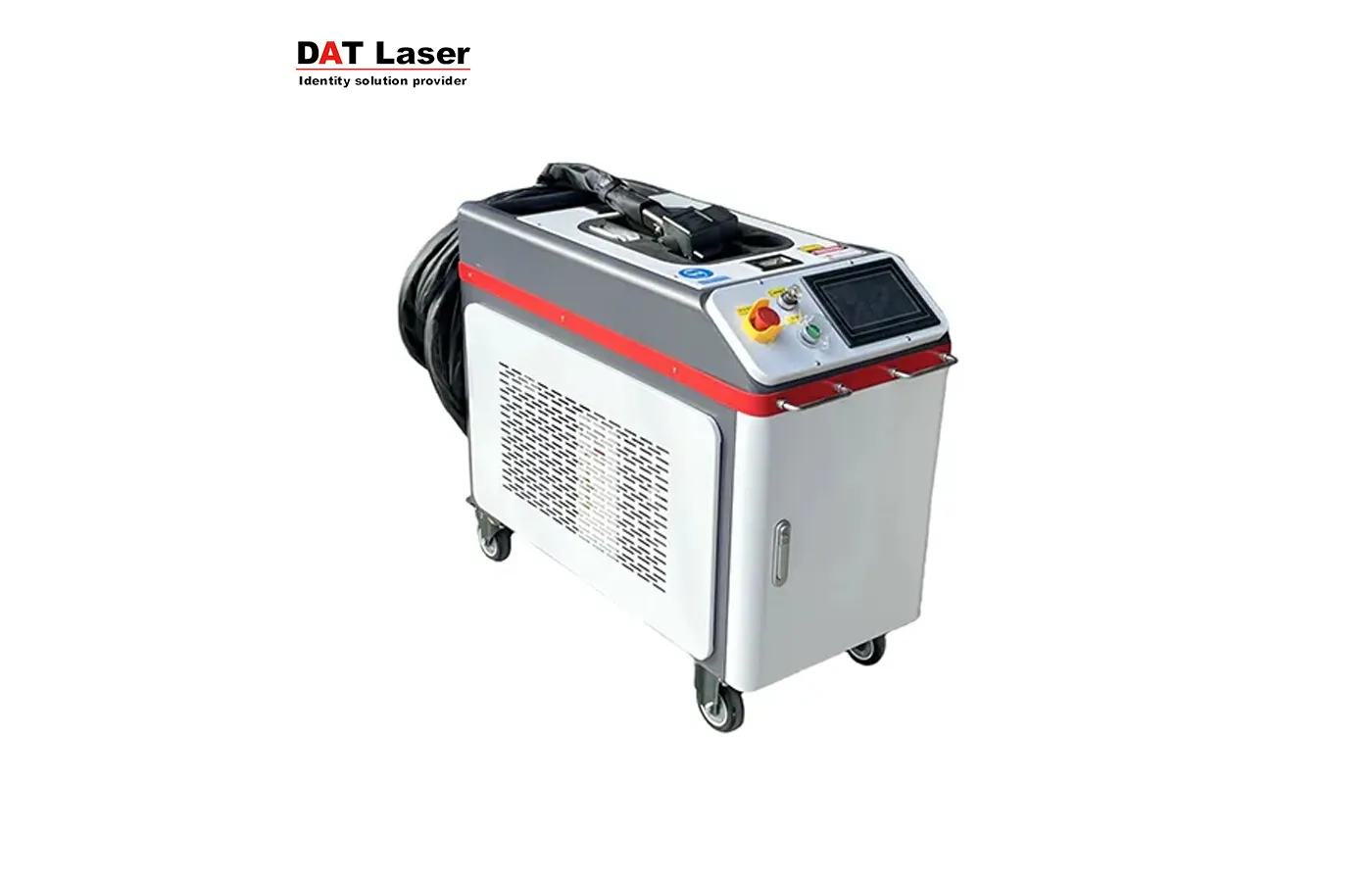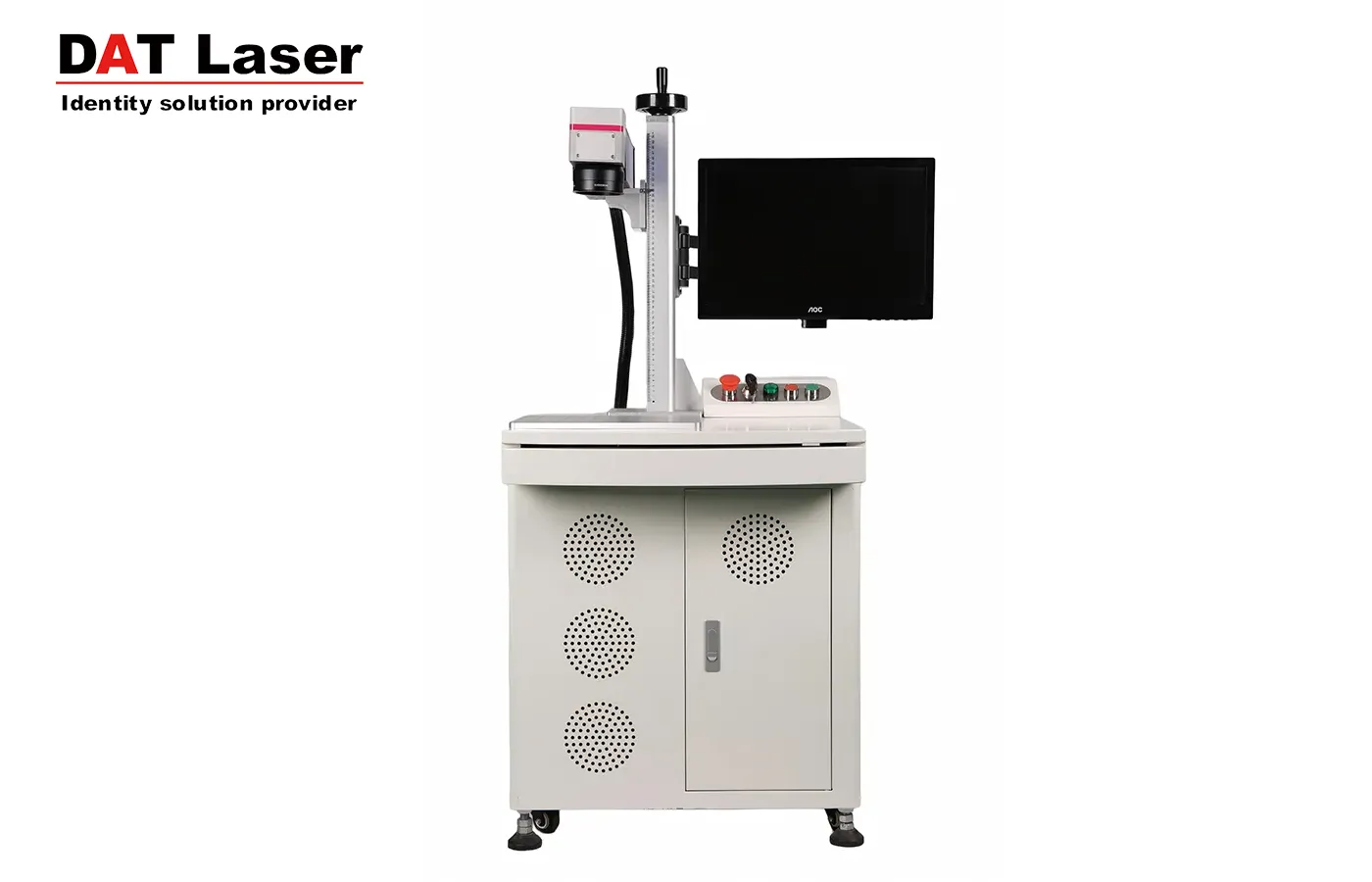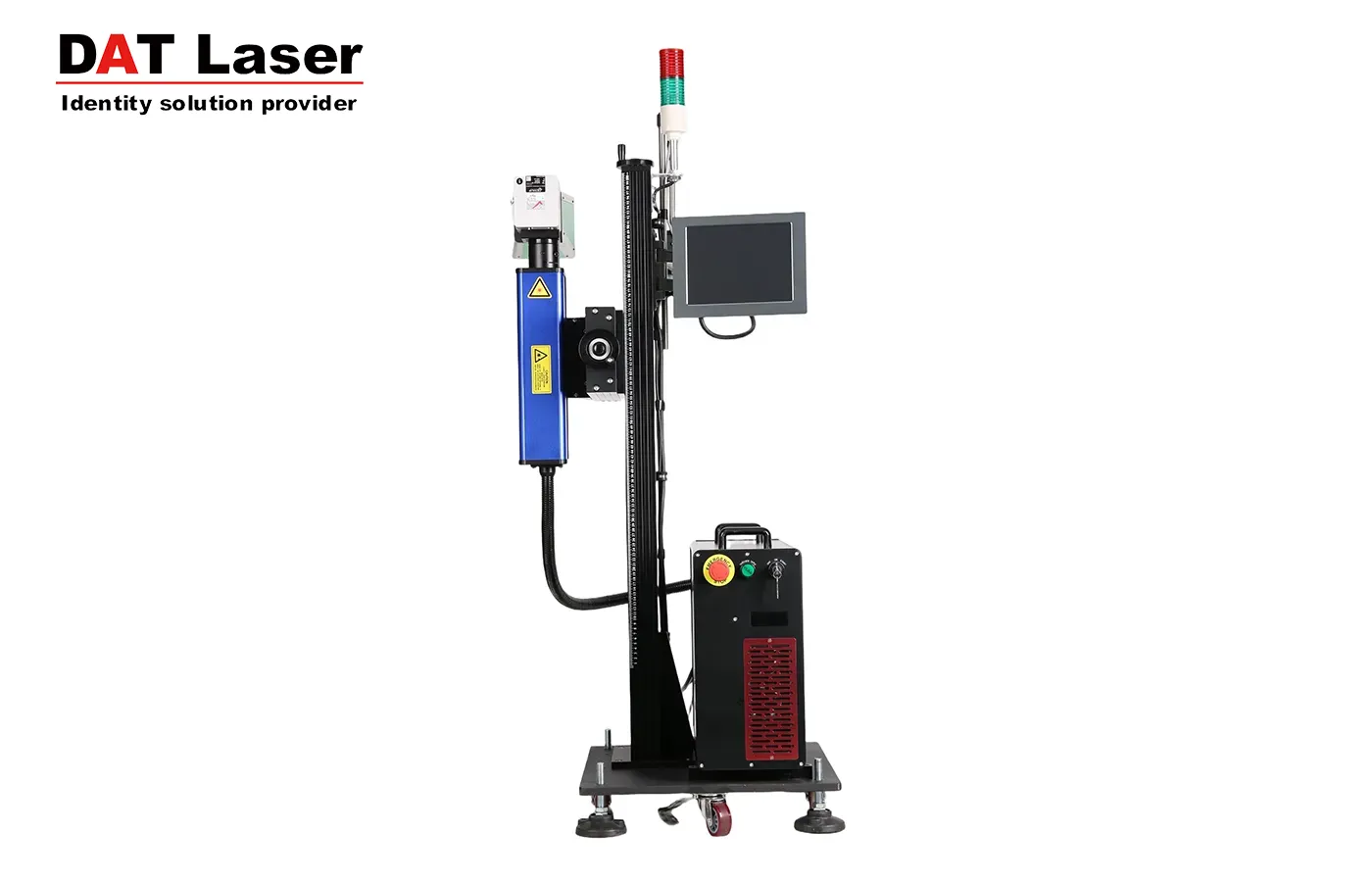
Many laser marking manufacturers ask this question when purchasing equipment: Does this machine have a red light adjustment function? What exactly is the purpose of this "red light adjustment"? Therefore, we have compiled several important functions to share with you.
1. Adjusting the resonant cavity optical path: The working principle of a resonant cavity is based on multi-beam interference within the cavity. A fundamental condition for interference is the spatial overlap of the beams. This requires very precise control of the beam direction to couple into the resonant cavity, i.e., optical-cavity coupling. For example, semiconductor laser marking machines.
2. Positioning: Only by accurately determining the marking position can processing and production be carried out efficiently. As the indicator light used for marking positioning in laser marking machines, it can be divided into several indication methods depending on the marking software, such as marking focus indication, marking pattern length and width range indication, and overall marking pattern simulation indication.
3. Focusing: The red light can also serve as the focusing point of the laser marking machine, indicating the marking distance (this explains why sometimes the red light is not displayed, and sometimes it appears but only flickers without actually marking anything). The distance between the two overlapping red light points is exactly the distance of the laser pointer on the machine. This eliminates the need to measure the marking distance with a steel ruler every time the product is changed, reducing operational steps and increasing marking speed.
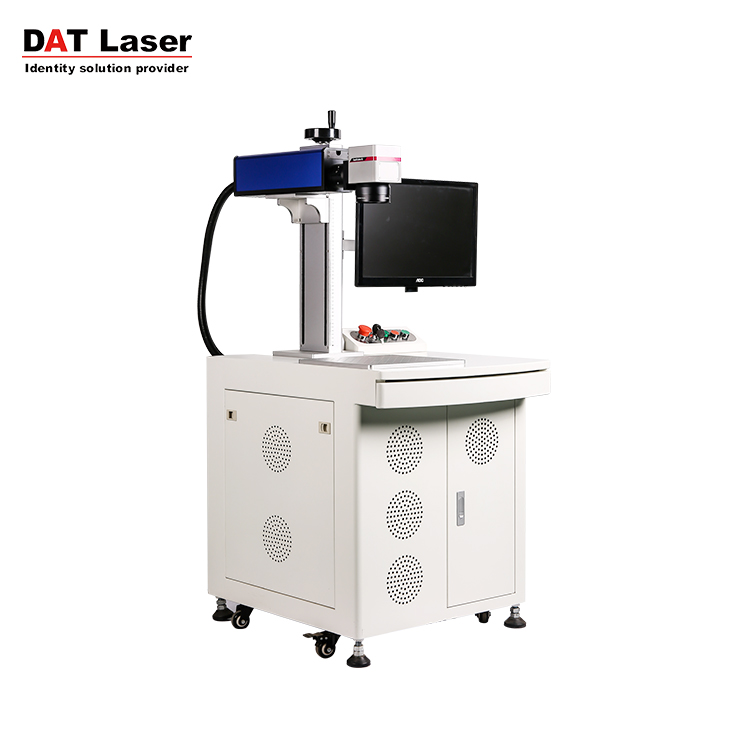
Additionally, one point requires special attention: enabling the red light adjustment on a laser marking machine requires the operator to have a certain understanding of the equipment. For example, the red light adjustment is usually set in the marking software. After pressing the "on" button, if you only see the galvanometer moving but no red light is emitted, first check if the mechanical switch controlling the red light is turned on, and check if the red light power supply is on. Use a multimeter to measure whether there is 5V voltage between the two red and black bars on the red light indicator. If there is 5V voltage but no laser output, then the red light indicator needs to be replaced.
Currently, some laser marking machine manufacturers omit this function to save costs. When purchasing a laser marking machine, be sure to pay attention to this point.