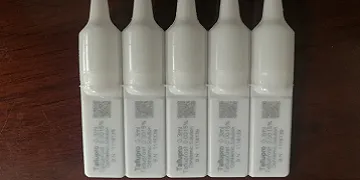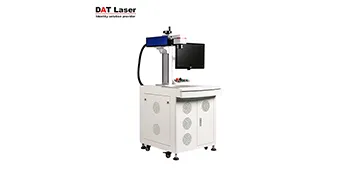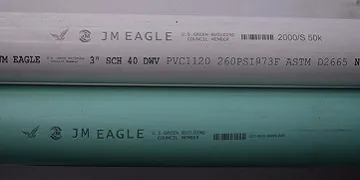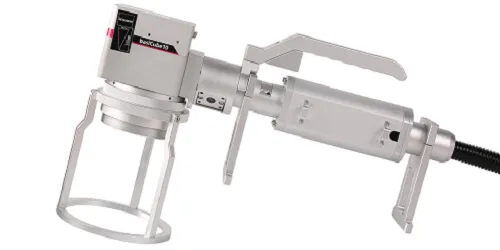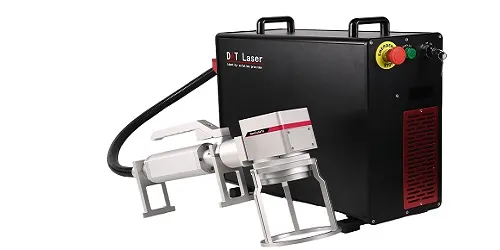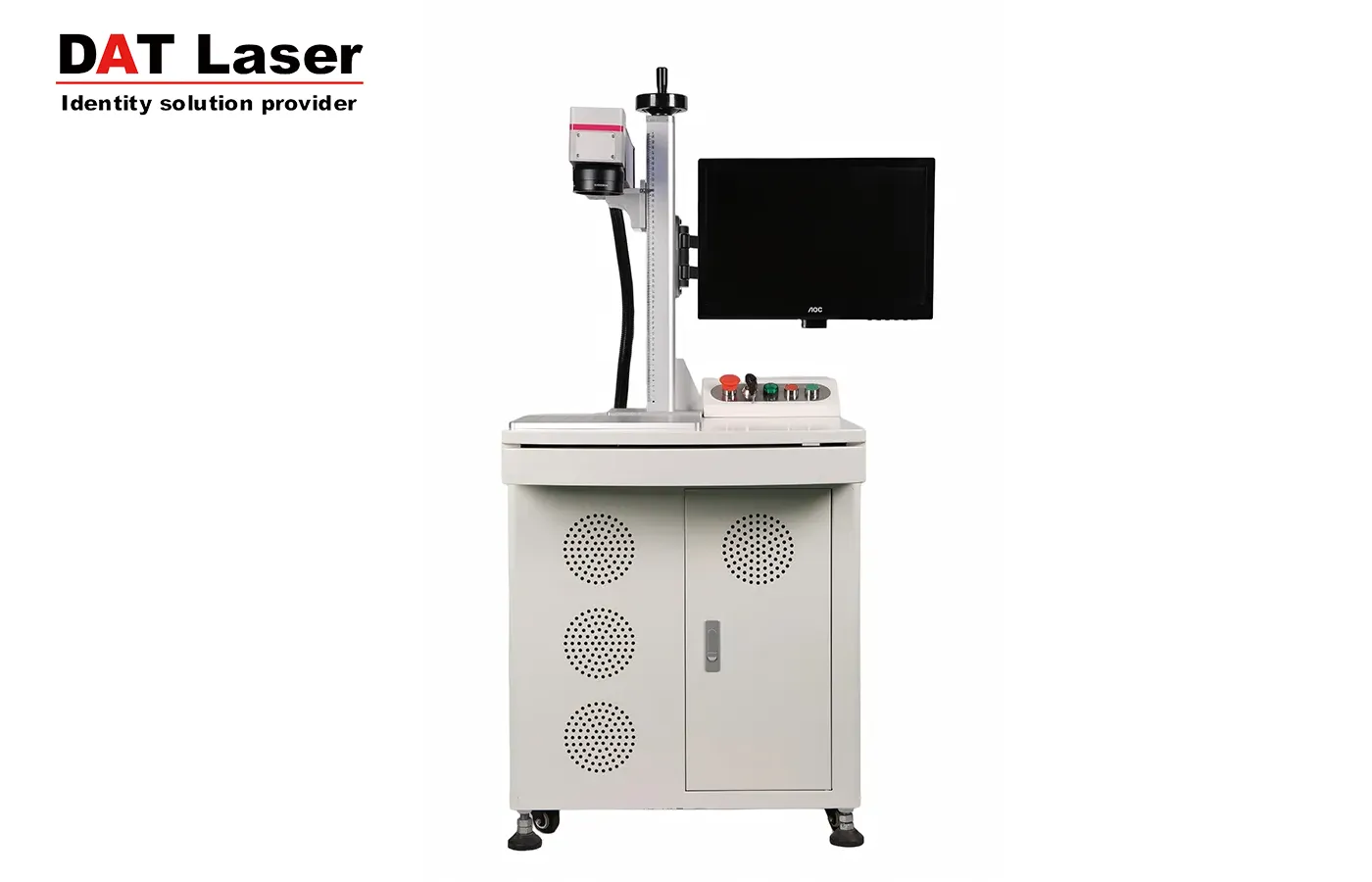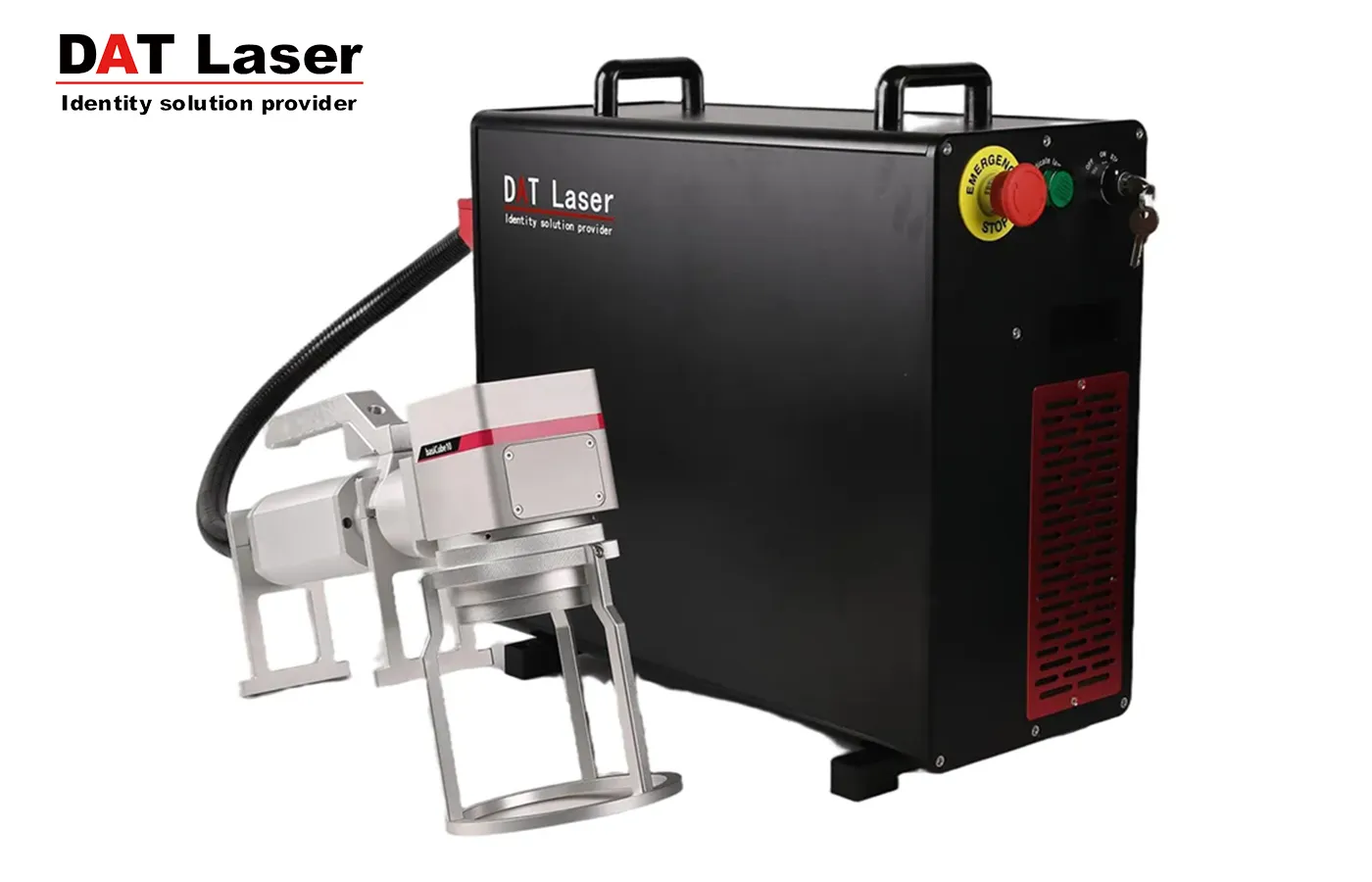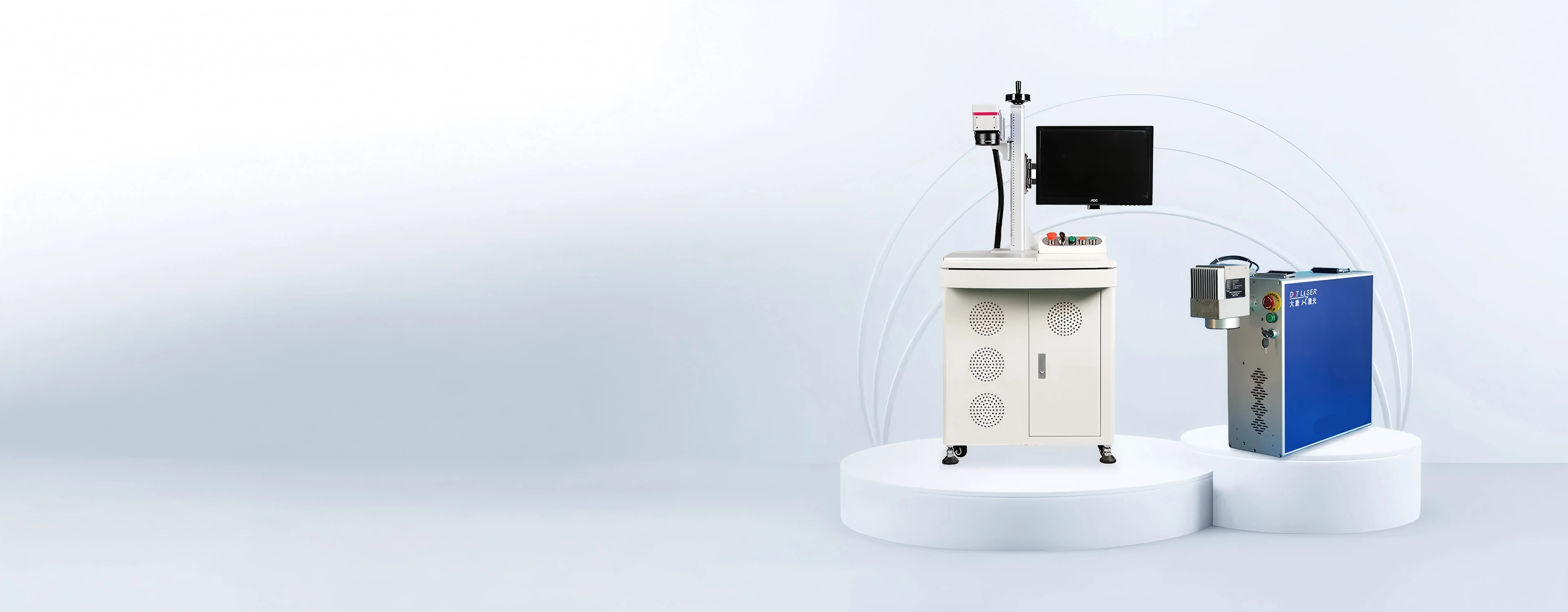
DAT CO₂ laser marking machine adopts advanced laser technology and has the ability to quickly and accurately mark patterns and text. It can complete a large number of marking tasks in a short time, significantly improving production efficiency.
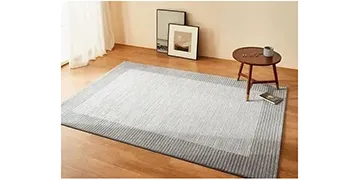
Uses a non-contact processing method, avoiding damage to the material surface. It is particularly suitable for materials with high surface quality requirements, such as plastics and rubber.
Durable and reliable, it adopts high-quality lasers and optical components, with stable performance and long service life. It can work continuously for a long time, reducing maintenance and downtime, and ensuring the continuity and stability of production.
1. Preparation work
Check the equipment: Ensure that the power connection is stable and that the air and electrical circuits are functioning properly.
2. Start the device
Power on: Turn on the main power switch and start the exhaust system, cooling system, and computer in sequence.
Start laser: Press the laser start button and wait for the laser to preheat.
3. Software settings
Open the software: Start the marking software and import the graphics or text files that need to be marked.
Parameter adjustment: Set laser power, speed, line spacing and other parameters according to material type and marking requirements.
4. Adjust the focal length
Focusing: Use the focal length adjustment handwheel to adjust the laser focus to make sure the red light spot is minimal and clear.
5. Start marking
Preview marking range: Use the red light preview function to confirm the marking position and range.
Start marking: Click the "Start Marking" button, and the device will start automatic marking.
6. End operation
Turn off the device: After marking is complete, turn off the laser, computer, and main power in sequence.
Cleaning equipment: Clean the workbench and equipment surface to keep the equipment clean.
Contact With Us:
E-mail: doria@laserdat.com
Have a Questions? Call Us:
Whatsapp:
Add:
No. 181, ShiBai South Street, Luquan District, Shijiazhuang, Hebei